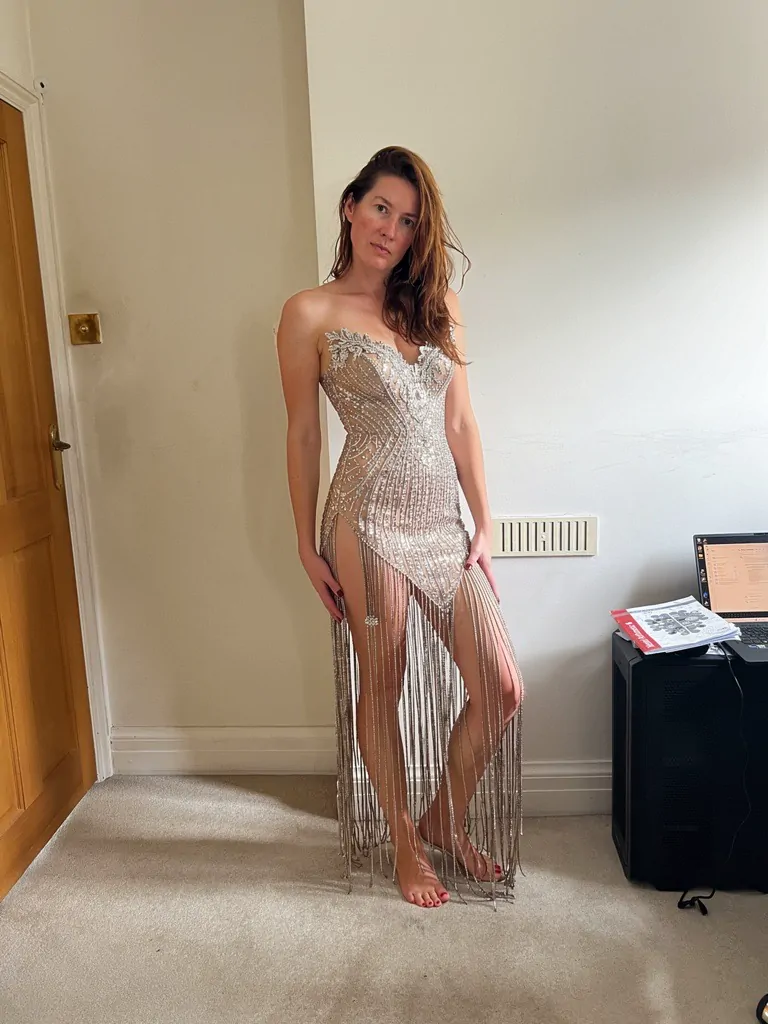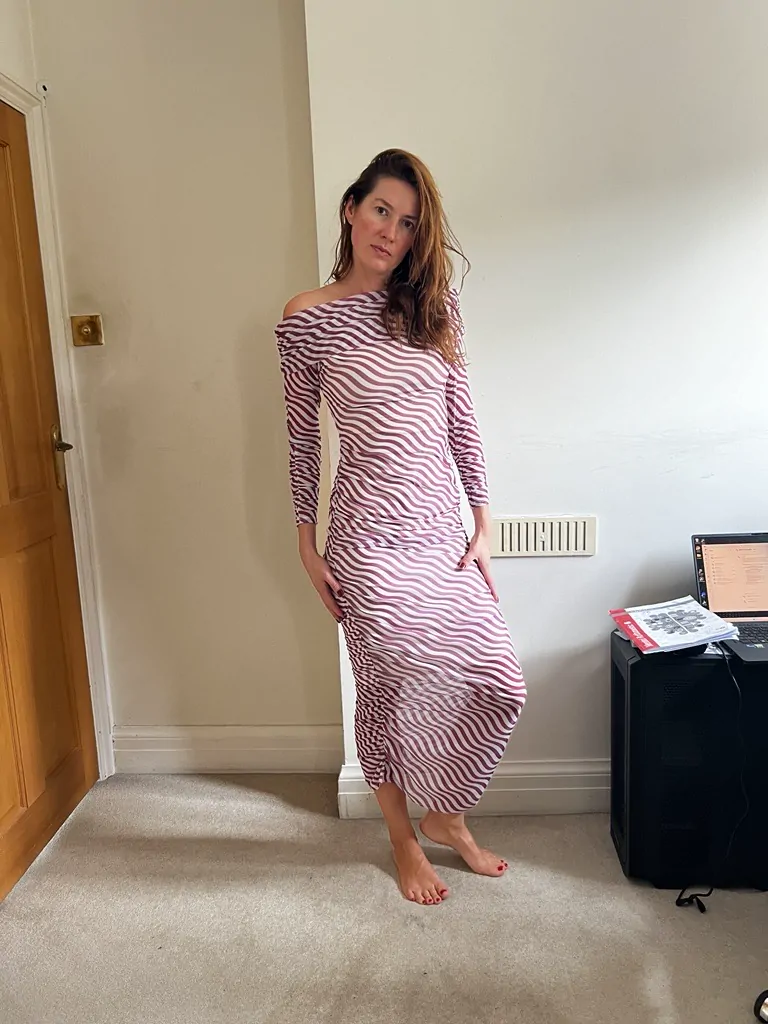
Loading result…
TriFit Original
Not animated yetChoose AnimateMe from the DressMe tab to bring this look to life.
Community rating
Community moods
TriFit by Velox XR · AI clothes changer
TriFit is the free AI virtual try-on app from Velox XR (Velox). Try a new look with DressMe on your own photo. Upload your picture and a clothing reference, or import from a supported public link, then create an AI outfit preview.
Try it free. Email verification required; free allowance and limits apply.
Live from TriFit
Sign in to see your photos and looks.
Original
 Original
Scroll to browse · choose Gallery for the full-screen collection
These demonstrations use our AI models Amara and Mateo, not customer photos. Each result was generated by TriFit from the personal photo and clothing reference shown. Try your own photo free after email verification; allowance and limits apply.
Amara, an AI model, starts in a grey top and blue jeans. A dark long-sleeve activewear top and leggings provide the clothing reference. The actual TriFit result previews that activewear outfit on her original street photo.

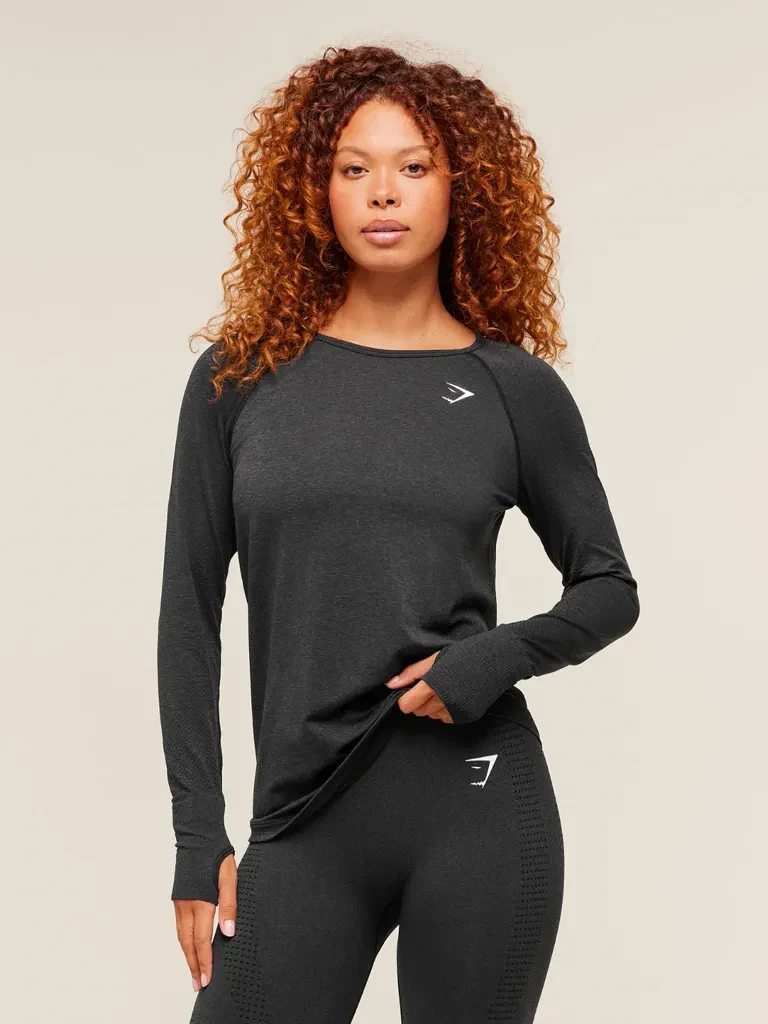
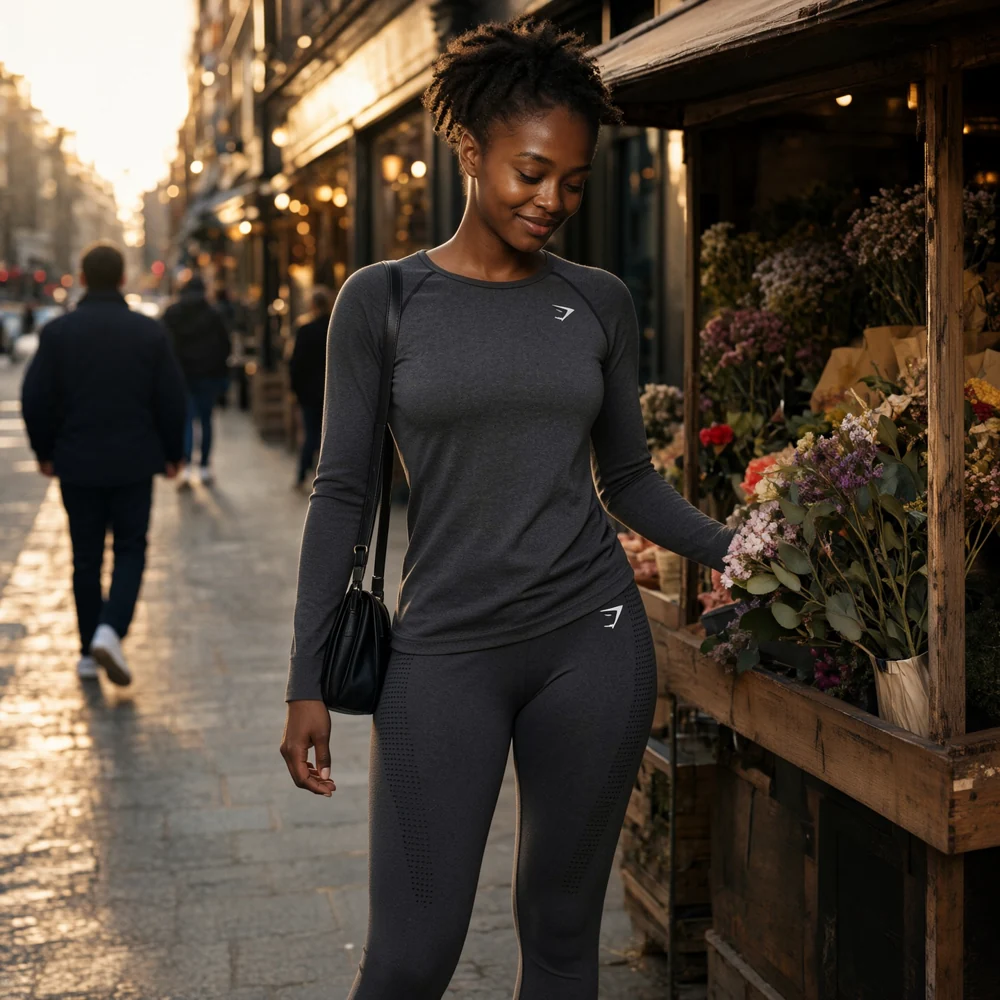
Workflow: choose your photo → add the clothing reference → verify your email and check your allowance → select DressMe → compare the result with the original. The video shows the before/after slider and the clothing reference.
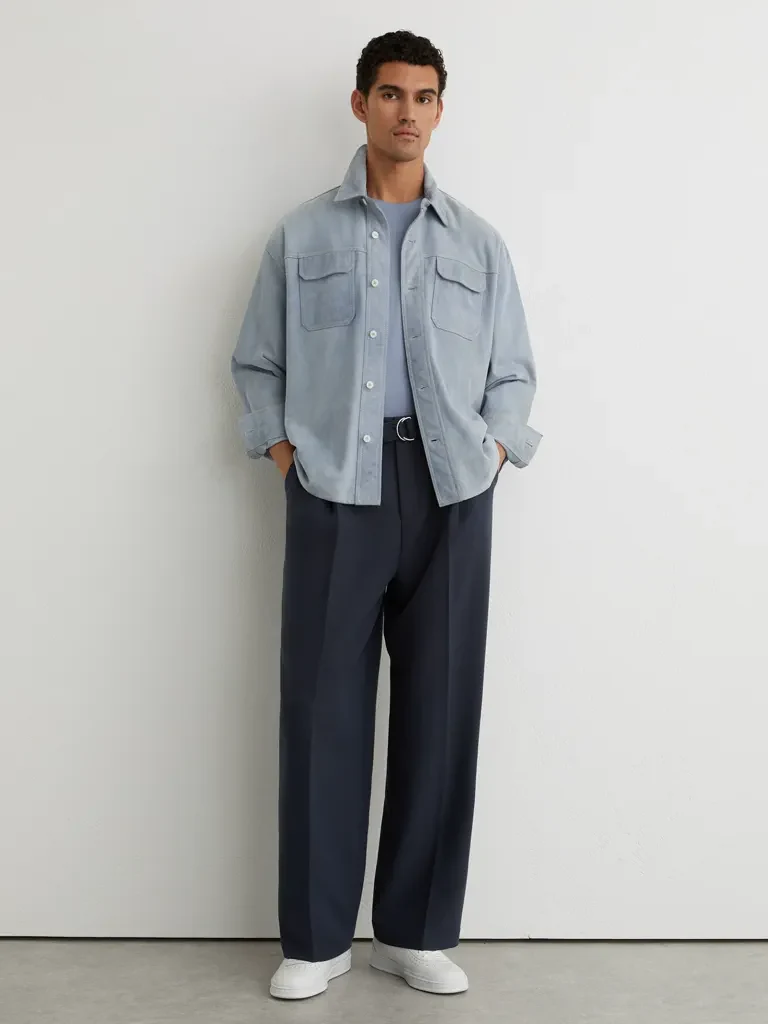
Mateo, an AI model, starts in a navy T-shirt and jeans. The reference shows a light blue overshirt with dark trousers. The actual TriFit result previews the new outfit on his original city photo.


Workflow: choose your photo → add the clothing reference → verify your email and check your allowance → select DressMe → compare the result with the original. The video shows the before/after slider and the clothing reference.
AI previews help you explore a look. They do not guarantee garment fit, size, colour or exact detail.
Try a new look on your own photoFor retailers, platforms & developers
Build with DressMe, the technology behind TriFit. Connect your website or app through the Velox Partner API.
TriFit is an online virtual try-on tool. Pair your own photo with an outfit reference to create a new look with DressMe, then optionally bring the result to life with AnimateMe.
Use TriFit as an AI outfit visualizer: upload your own photo and a clothing reference, verify your email, then select DressMe. Compare the AI preview with your original photo. Repeat with another reference while you have allowance remaining.
Use TriFit here for personal outfit previews. DressMe changes the clothing in your photo; AnimateMe turns your generated look into a short video. For a store, install Velox Tri-Fit for Shopify, published by Velox XR Limited. The merchant trial is separate from the consumer allowance.
Use AnimateIt by Velox XR for standalone photo animation. Explore all Velox fashion AI tools, including DressMe, AnimateMe and the RealiseMe development preview.
Yes. Upload a clothing photo or screenshot, or use URL to import an image from a supported public link. Some shops require a login or block image imports, and not every product page is supported. If a link does not work, save the clothing image or take a screenshot you have permission to use and upload it with Photos.
TriFit offers a free generation allowance. Email verification is required. Check the allowance control for your current credits and limits before generating; availability and limits can change.
No. Results are AI-generated visual previews, not measurements or guarantees of garment fit, sizing, colour or detail. Use the retailer's size guide when buying clothes.
Your library and looks are private by default. Sharing a private invitation is a separate choice; including a comparison can reveal your original photo to the recipient. Only upload images you have permission to use.
About Velox · Privacy · Terms